

Tell me about Postbox Cards
What is Postbox?
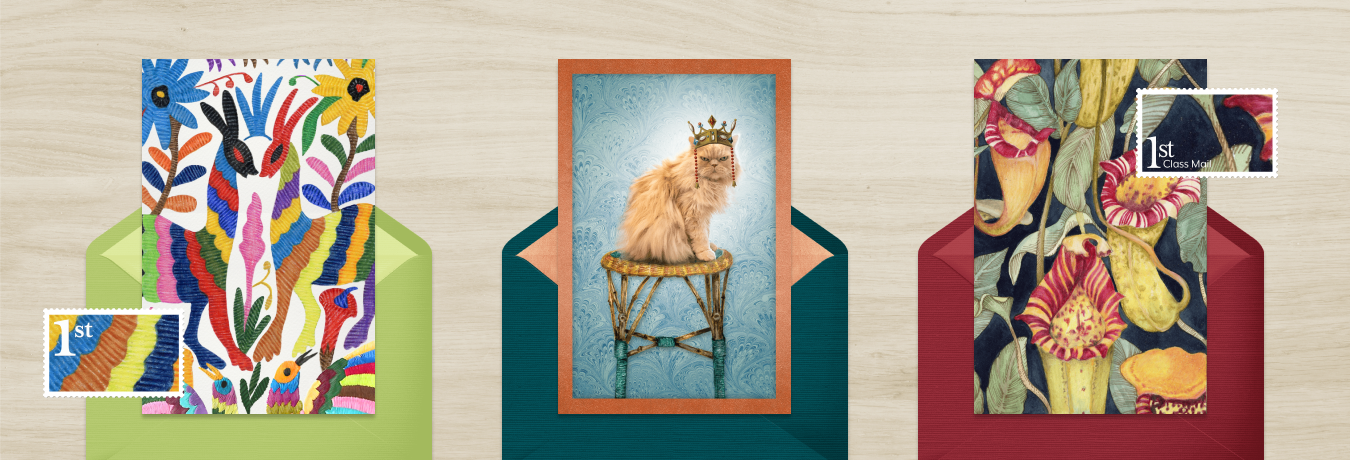
Our "Postbox" range is a collection of ecards that, alongside other customisation options like choosing the music, let you add your own photos, videos and messages, along with your very own signature. You can even add custom envelope liners and stamps for even greater personalisation.
They are also designed so that you can both send them as an ecard via email, text message or social media, or print them to make a paper card! Sadly, we haven't figured out how to get a video onto paper yet, so be sure to send video cards as ecards.
Does Postbox cost more?
No. Our Postbox collection is included in your membership for no extra cost.
How do I edit text?
1. To edit your text, hover over the words you would like to change and click on the text box. You are now able to edit the text within that area using the tools provided.
2. To change the font of the text, select a font from the drop-down menu.
3. To change the size of the text, use the slider to increase or decrease the font size.
4. To change the colour of the text, select the desired colour from the colour selector.
5. Click "Save Message" to save your changes.
How do I add a photo or video?
Some cards can be customised by adding a photo or video. To add your photo or video, click on the "Add a photo or video" box on the card and then choose from options in the Photo/Video menu on the left of the browser window. You can add up to six photos or one video per Postbox card! Don't worry if you do not add a photo or video. The card will not print with the "Add a photo or video box" message.
How do I select pages for editing?
To view other pages in your card, use the "Inside", "Front" and "Back" icons below the card.
How do I add a signature to my card?
To add a signature to your card, click the "Add a Signature" box. You can then choose to type or draw a signature.
Did this answer your question?